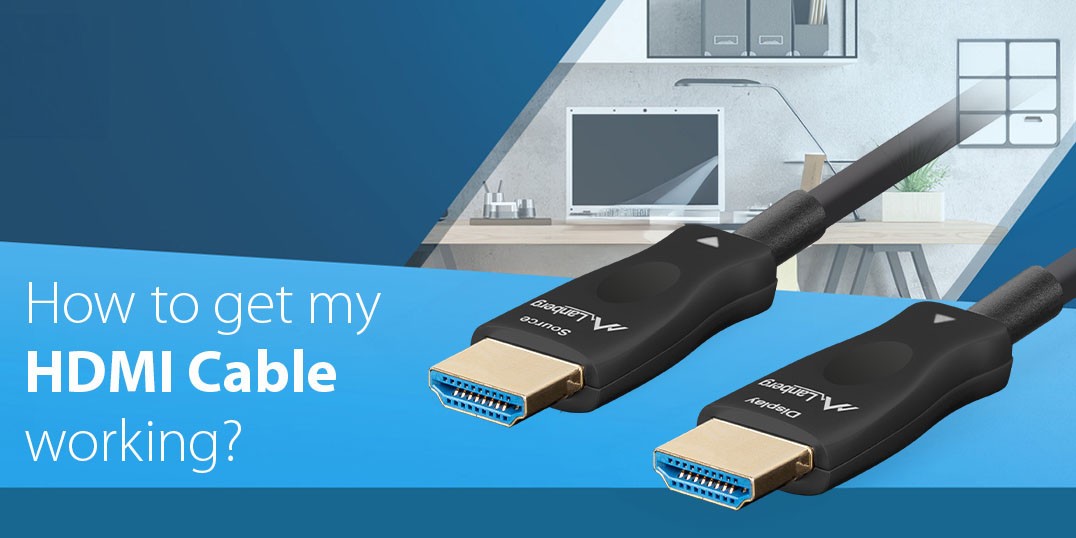
Why does my Lanberg HDMI cable not work?
If the picture and sound are not transmitted correctly, the cable has probably been connected the wrong way round. Lanberg HDMI optical cables have labeled plugs and if they are connected the wrong way round, the signal cannot be transmitted correctly.
How do I connect my Lanberg HDMI cable correctly?
The following instructions will help you use Lanberg HDMI cables without any problems. Despite the connectors on both ends appearing to be identical, Lanberg HDMI cables are designed to only transmit the signal in one direction.
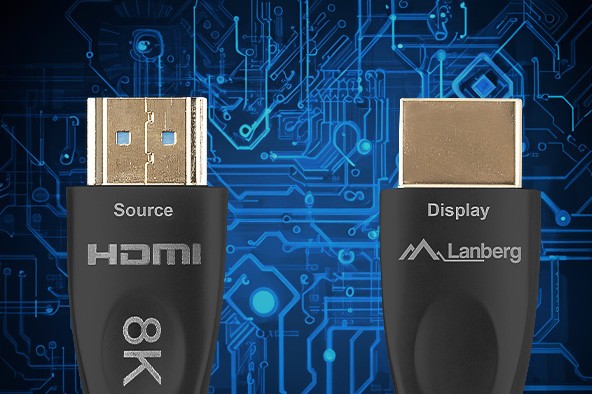
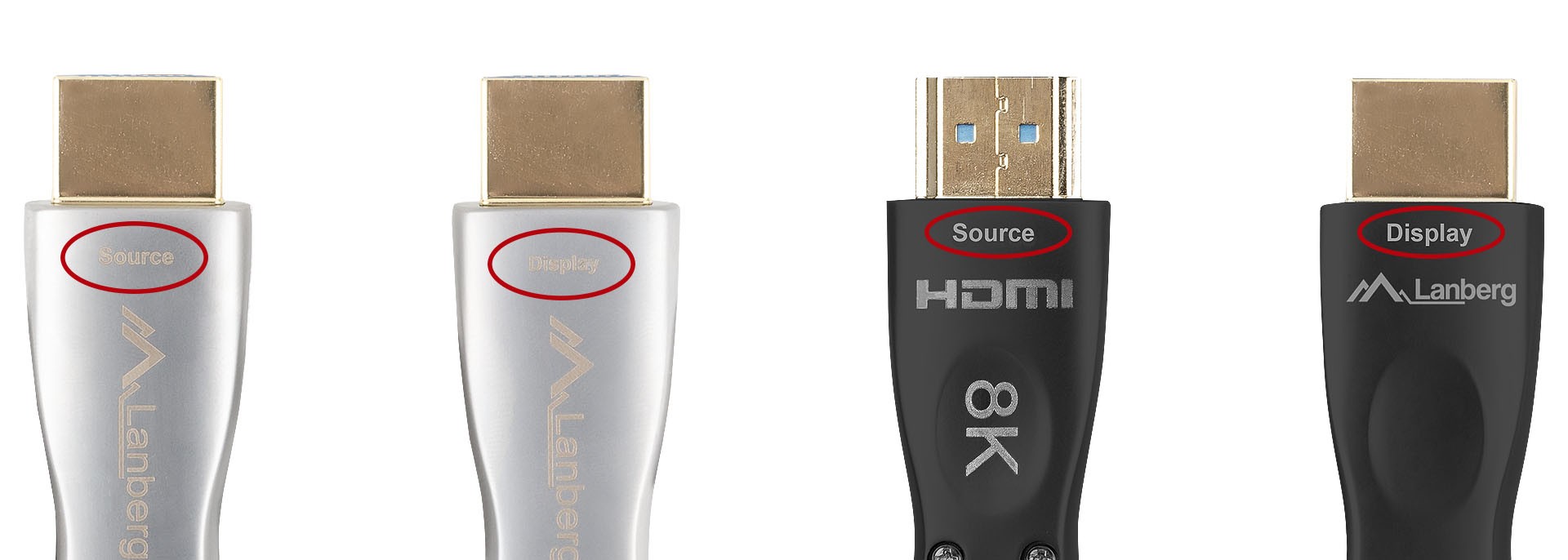
Plug markings: “SOURCE” and “DISPLAY”
- SOURCE: This plug should be connected to a device that sends audio-video signals. Examples of source devices: computer, laptop, console, set-top box, Blu-ray player, NAS.
- DISPLAY: This plug should be connected to the device that is to display the image (and possibly sound). Examples of display devices: computer monitor, TV screen, projector.
Remember that swapping these ends will result in no image or sound.
Additional tips
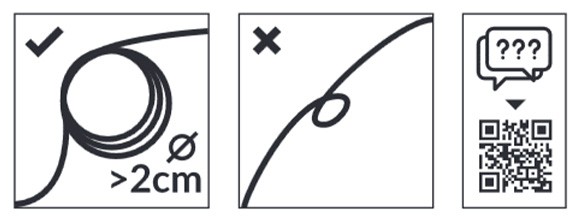
Handle the optical cable with care
Since the Lanberg HDMI cable is a fiber-optic cable, strong bending or breaking can negatively affect the quality of the transmitted signal or even permanently damage the cable. We recommend that you make sure that the bending radius is at least 2 cm when laying the cable and that you always use gentle curves when creating loops or knots to shorten the cable.
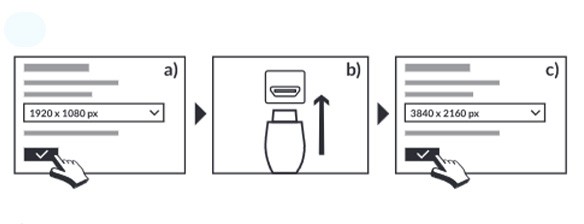
Change the resolution before connecting (Windows)
If the signal source is a Windows computer, it is best to first set the resolution to FullHD (1920×1080), then connect the new HDMI cable and make sure everything works properly. Only after a successful test should the resolution in the system be switched to the desired resolution (e.g. 4K or 8K). In some configurations, connecting a new cable to a computer with a high resolution setting can result in system or screen driver errors and, as a result, no image – even if the plugs are connected correctly.
Key benefits of Lanberg HDMI cables
- High transmission quality
HDMI optical cables guarantee a perfect picture and clear sound.
The HDMI 2.0 (High Speed with Ethernet) standard supports 4K, and the newer HDMI 2.1 (Ultra High Speed) standard allows for up to 8K at 30 Hz (with DSC up to 10K). - Efficiency and reliability
Optical signal transmission over long distances without interference.
The thin and flexible design makes it easier to route the cable in difficult conditions.
Summary
- Make sure that the plug labeled “SOURCE” is connected to the source device (e.g. computer, console).
- Connect the plug labeled “DISPLAY” to the screen (monitor, TV, projector).
- If there is no picture or sound, check that the cable is connected as described above.
NOTE:
The above instructions apply in particular to Lanberg optical HDMI cables (version 2.0, High Speed with Ethernet and version 2.1, Ultra High Speed), including the following serial numbers:
EAN: 5901969429817 | Manufacturer code: CA-HDMI-20FB-0200-BK
EAN: 5901969429848 | Manufacturer code: CA-HDMI-20FB-0500-BK
EAN: 5901969437539 | Manufacturer code: CA-HDMI-30FB-0300-BK
EAN: 5901969437560 | Manufacturer code: CA-HDMI-30FB-0800-BK
Lanberg HDMI 4K cables and Lanberg HDMI optical cables (HDMI 2.1) allow for lossless transmission of audio-video signals over long distances, but it is important to remember to connect the plugs correctly according to their labeling.


