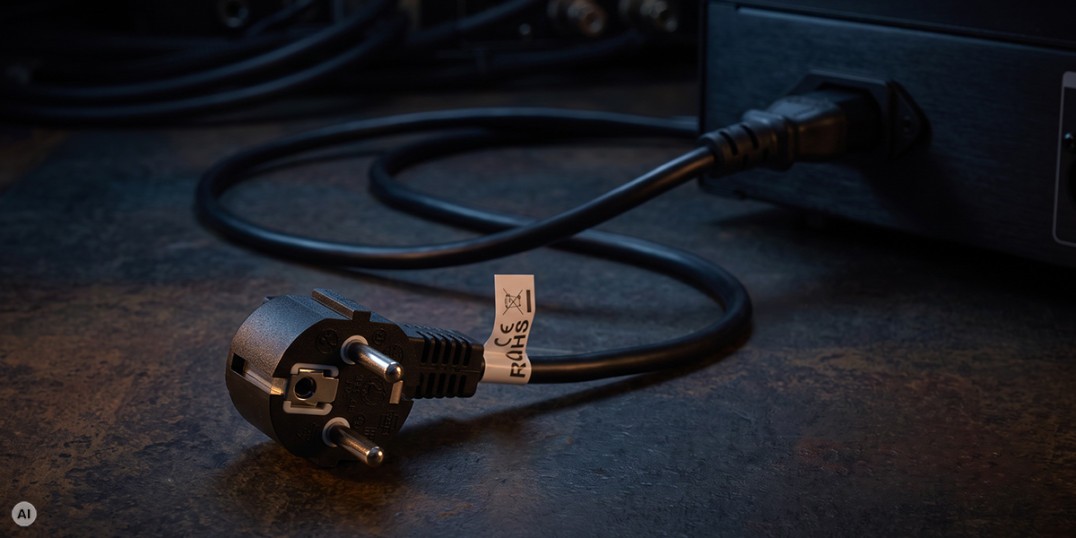
A power cable is often chosen according to one simple rule: if the plug fits, it should work. In office equipment, this usually does not cause problems, but in a server room, with a UPS, or in an extensive rack cabinet, this shortcut can lead to overheating cables, unnecessary voltage drops, or overloading one of the components in the power path. In practice, four factors matter most: the device specifications, the cable’s rated current, the cross-sectional area of its conductors, and the correct type of IEC connector.

Rated Power vs Maximum Power – What Is the Difference?
Rated power (nominal power) is the value declared by the manufacturer for specified operating conditions of a device. Maximum power, on the other hand, defines the upper limit that should not be exceeded. It does not always mean that this level of power can be supplied continuously without restrictions – the exact meaning of a given value must always be interpreted in the context of the product specification.
In IT equipment, these parameters can easily be confused. A computer power supply rated at 1000 W does not continuously draw 1000 W from the mains. The rating primarily refers to its output capabilities, while the actual power consumption depends on the load and efficiency. When choosing a cable, the maximum input current specified on the rating plate or in the manufacturer’s documentation is therefore particularly important.
Voltage, Current and Power – A Quick Calculation
The basic relationship is: P = U × I, where P represents power, U voltage, and I current. In a 230 V installation, a device drawing 5 A gives a product of 1150 VA. In an AC circuit, the actual active power also depends on the power factor, so multiplying 230 V by the current in amperes should be treated as a convenient estimate of the load on the power path, rather than always as the actual power in watts.
For the cable, current is the key parameter. Current flow causes conductors and connectors to heat up, which is why the cable should have a rated current at least equal to the device’s maximum load, while also taking into account the requirements of the entire electrical installation.
Conductor Cross-Section vs Permissible Current
The larger the conductor cross-section, the lower its electrical resistance. This means lower energy losses, a smaller voltage drop, and less heating at the same current. The thermal relationship is particularly important because losses increase approximately in proportion to I²R – even a relatively small increase in current can therefore cause a noticeable increase in heat generation.
However, there is no universal rule such as “0.75 mm² always equals 10 A.” The permissible load also depends on the cable design, insulation, ambient temperature, length, installation method, and the connectors themselves. For a ready-made power cable, the most important specification is therefore the rated current of the complete product stated by the manufacturer.
A good example can be found in Lanberg’s product range. The CEE 7/7 – IEC C13 1.8 m power cable uses 0.75 mm² conductors and has a rated current of 10 A. The server power cable with a C19 connector uses 1.5 mm² conductors and is designed for 16 A. Meanwhile, the C5 cable for laptop power supplies also uses 0.75 mm² conductors, but its rated current is only 2.5 A. This demonstrates why the capability of the entire cable should not be determined solely by the conductor cross-section.

The Most Common IEC Connectors in IT Equipment
Computers, servers, monitors, and networking devices commonly use connectors from the IEC 60320 family. The most frequently encountered pairs are C13/C14, C19/C20, and C5/C6. C13 is the connector located on the power cable, while C14 is the inlet found on the device. Likewise, C19 is the cable-side connector and mates with a C20 inlet, while C5 is located on the cable and connects to a C6 inlet.
| IEC Pair | Typical IEC Rating | At 230 V | Typical Applications |
|---|---|---|---|
| C5 / C6 | 2.5 A / 250 V | approx. 575 VA | laptop power supplies, compact devices |
| C13 / C14 | 10 A / 250 V | approx. 2300 VA | PCs, monitors, servers, switches, UPS units, PDUs |
| C19 / C20 | 16 A / 250 V | approx. 3680 VA | high-power servers, UPS units, PDUs, storage systems |
C13/C14 is the most common standard and is widely used in desktop computers, monitors, many servers, switches, and PDU units. C19/C20 is larger and designed for higher loads, which is why it is commonly used with more powerful UPS systems, servers, and power distribution equipment in rack cabinets. C5/C6 is the distinctive “cloverleaf” connector often found on external laptop power supplies and other lower-power devices.
It is important to remember that the current rating of a connector does not automatically increase the rating of the entire power path. If the PDU, cable, adapter, or device inlet has a lower limit, that component becomes the limiting factor. The rule is simple: the system can only handle as much load as its weakest component.
How to Choose a Power Cable in Practice
- Check the device inlet. First determine whether you need a C13, C19, C5, or another type of connector.
- Read the maximum input current. Look for the value in amperes on the device rating plate or in the manufacturer’s documentation.
- Compare the cable specifications. The rated current of the finished cable must not be lower than the required load.
- Consider the entire power path. In rack installations, also check the ratings of the UPS, PDU, sockets, and protective devices.
- Pay attention to operating conditions. Long cables, high ambient temperatures, and tightly bundled wiring make heat dissipation more difficult and increase the importance of choosing the correct conductor cross-section.
Most Common Mistakes
- choosing a cable solely based on the shape of the plug without checking its rated current;
- treating the power rating in the device name, such as 1000 W on a PC power supply, as continuous mains power consumption;
- assuming that all cables with the same IEC connector have identical electrical ratings;
- using random adapters that may become the weakest component in the connection;
- ignoring the total load of a UPS or PDU when connecting multiple devices;
- continuing to use a cable with damaged insulation, a deformed connector, or visible signs of overheating.
Safety Starts with Choosing the Right Cable
In most installations, selecting the correct power cable comes down to spending a few minutes checking the specifications. You need to know the connector type, the device’s maximum input current, the specifications of the complete cable, and the limitations of the UPS or PDU. This small effort is well worth it compared with the potential consequences of overheated connections or an overloaded power path.
C13/C14 remains the standard solution for a large share of IT equipment, C19/C20 is suitable for higher loads, and C5/C6 is commonly used with smaller power supplies and lower-power devices. Regardless of the connector type, the most important rule always remains the same: the cable specifications must match both the device and the entire electrical installation, not just the shape of the socket.


