Unmanaged Switches

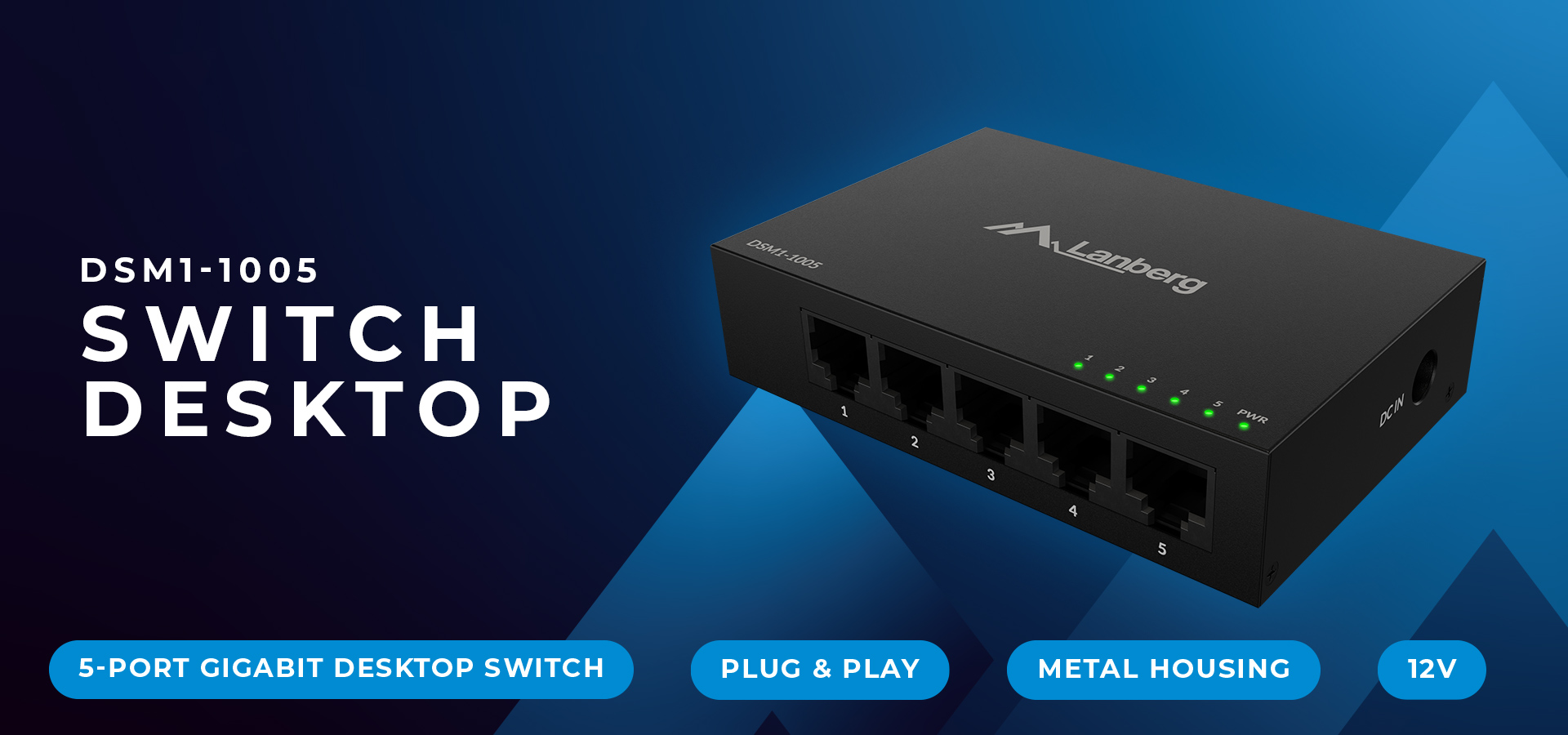
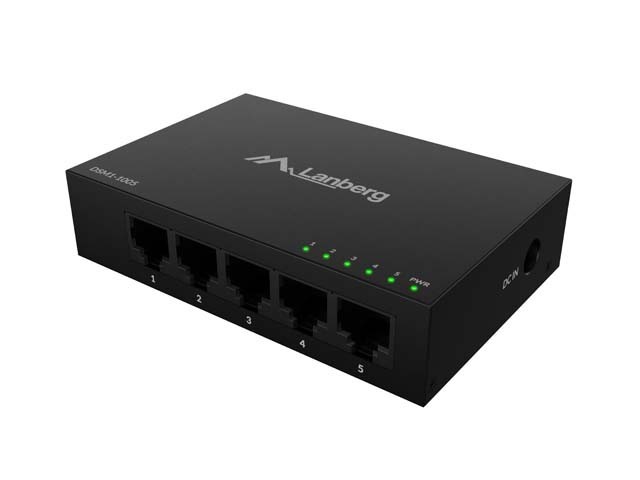
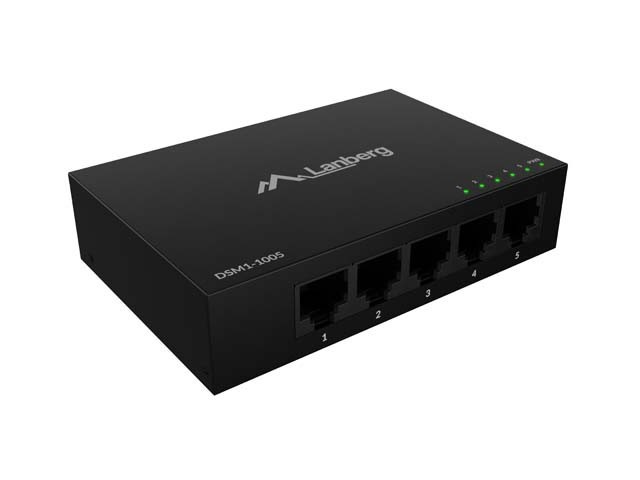
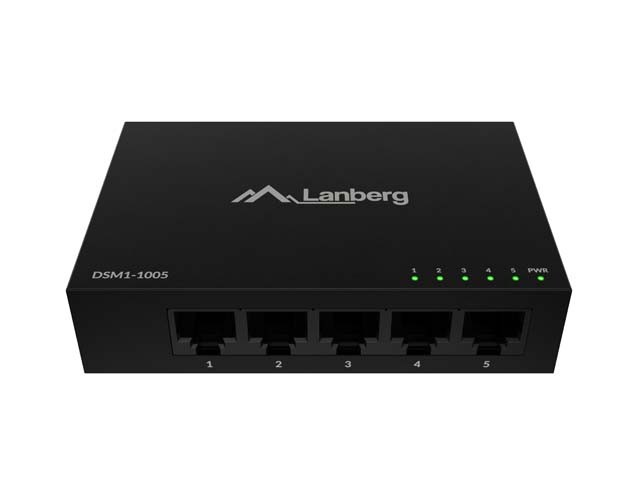
SWITCH DSM1-1005 5X 1GB/S UNMANAGED GIGABIT ETHERNET DESKTOP 12V METAL CASE

Manufacturer code: DSM1-1005
EAN: 5901969447750
Warranty: 24m
Number of Ethernet ports: 5
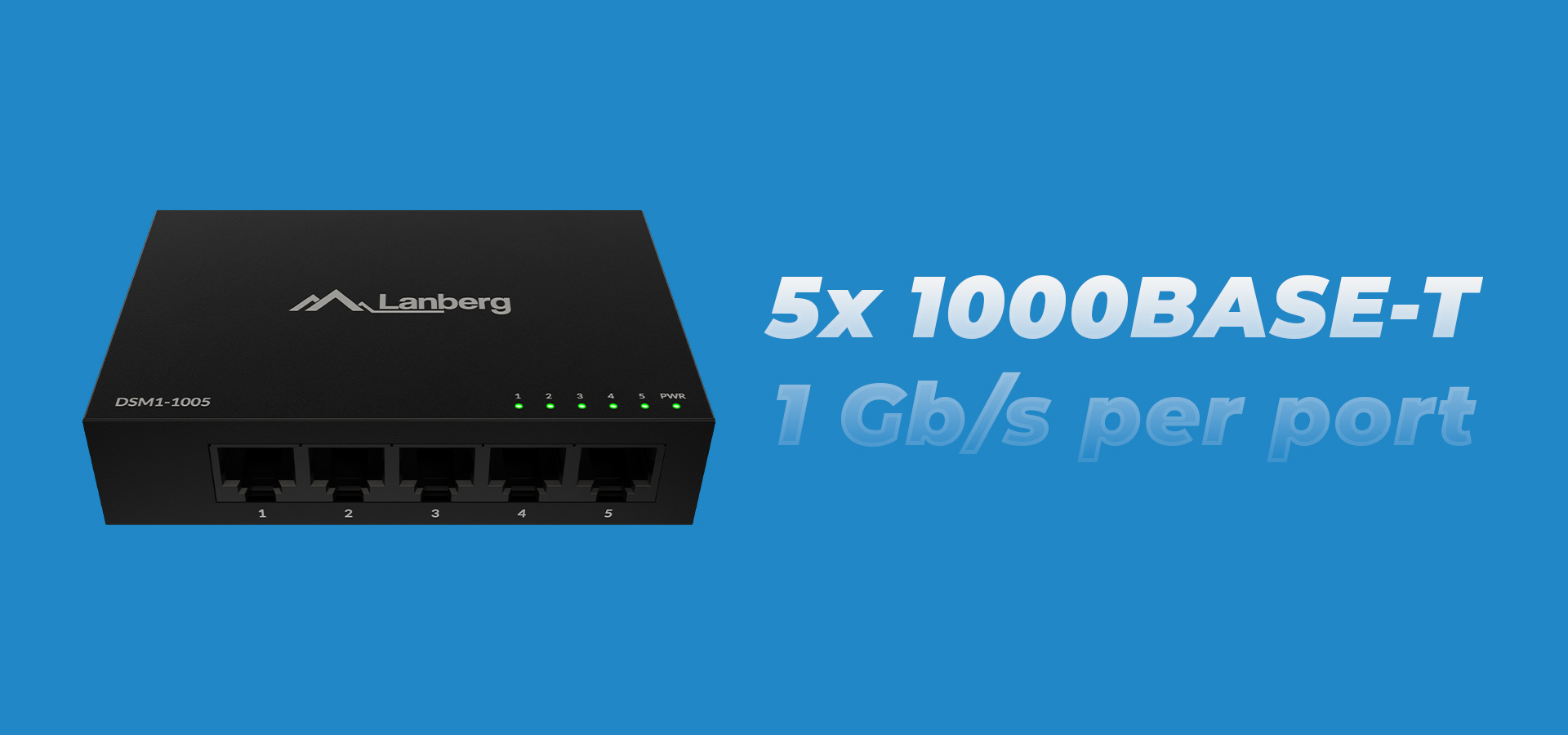
Ports specification: 5x 1000BASE-T
Maxiumum network link speed: 1 Gbps
Network Link Type: Ethernet
Product description
Logo of Lanberg with the slogan "Take your Peak" on a blue background
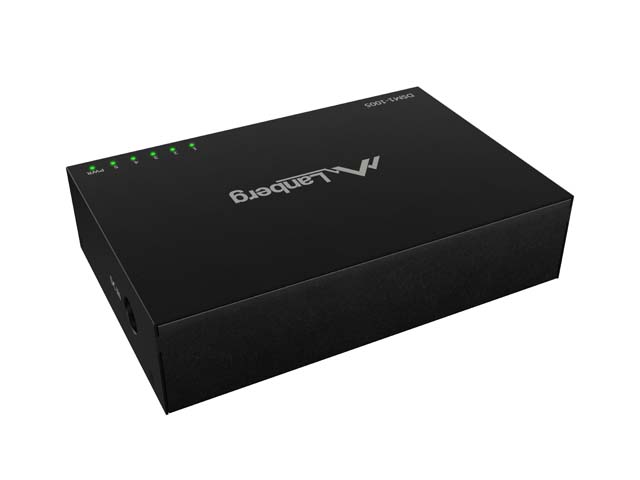
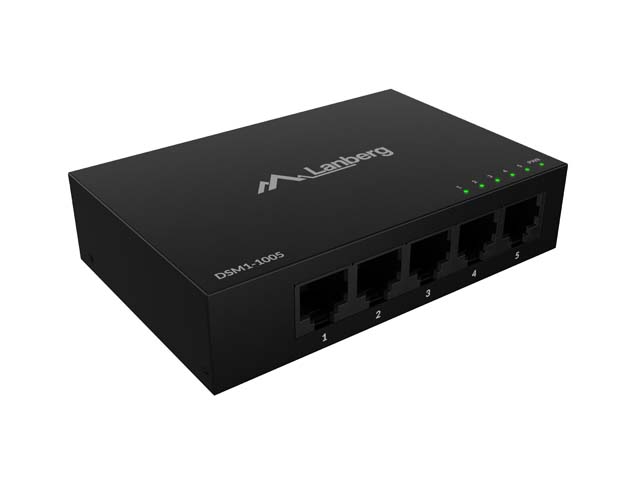
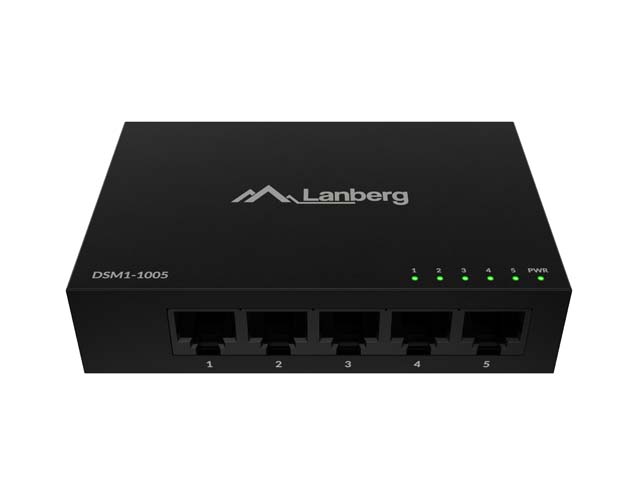
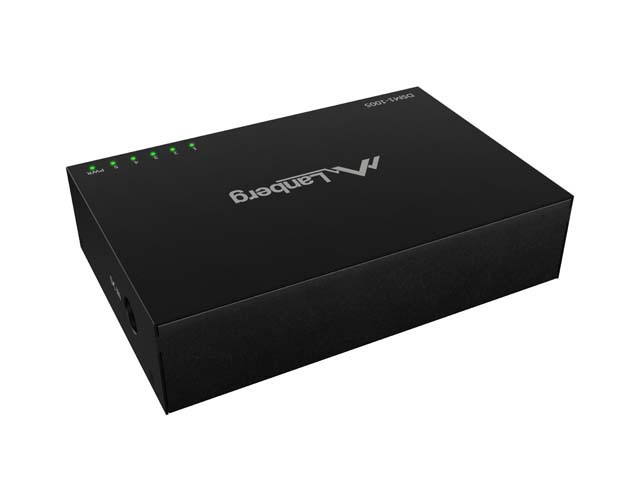
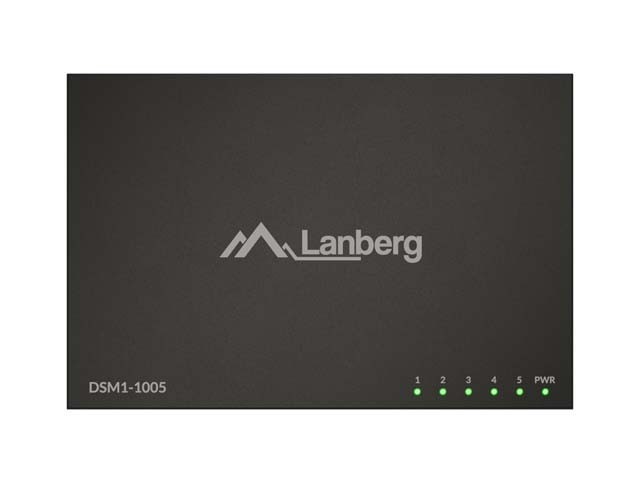
Device with five network ports and a black metal casing for desktop connectivity.

Lanberg desktop switch - why do you even need a network switch?

At home and in the office, the number of devices "on the wire" is growing rapidly: computer, NAS, TV, console, set-top box, Wi-Fi point, DVR, IP camera. If your router is running out of LAN ports or you want to improve the stability of wired connections, a good switch is the easiest way to expand your network without rebuilding your installation. Such a switch distributes traffic between devices, providing fast connections and predictable operation where Wi-Fi can be capricious.

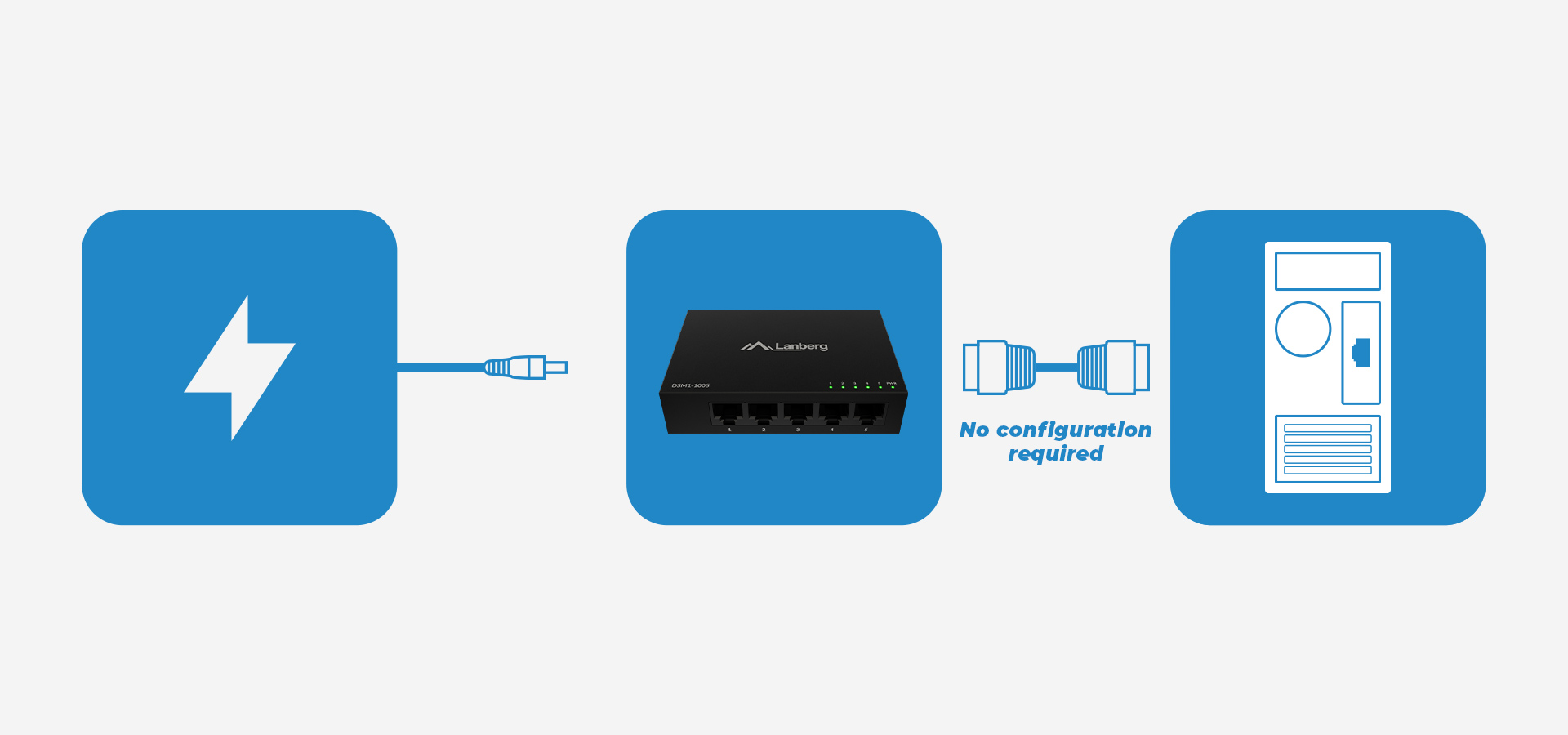
The Lanberg DSM1-1005 switch (and its twin model DSM1-1008) is the next iteration of Lanberg 's compact desktop switches - designed with real, evolving user needs in mind: simplicity (Plug & Play), stability, work culture and durability. In a nutshell: you plug in the power and cables, and the device just works - no configuration required.

An unmanaged simple switch that gets the job done

The DSM1-1005 is a small-sized unmanagable desktop switch, prepared for home and SOHO and SMB environments. As an unmanagable model, it doesn't require logging into a panel, setting up VLANs or rules - you get maximum usability "out of the box." This is a great approach when you just want to add more ports and have peace of mind.

In practice, this means that the device is ideal for home applications and small offices: to extend the network for a computer, printer, TV, NAS, access point or monitoring equipment. Silence also counts in this class: passive cooling and no fan are a comfort, especially when the switch is standing on a desk.

Plug & Play and automation on the switch side

.

The DSM1-1005 operates on a Plug & Play basis, and the switch provides switching function support for 5 RJ-45 ports: fast connection setup and stable operation without redundant user intervention. It's this automation that makes installation a breeze: you plug in the wires, and the device takes care of the basics on its own.

Three icons showing power connection, a network device, and a computer with a cable.

Desktop 5x port - fast and simple network expansion

At the heart of the DSM1-1005 are 5x Gigabit RJ-45 connectors - that's 5 ports for your desk, shelf or back office. That's exactly what you most often need to "unplug" your router and conveniently connect several wired devices in one place, with no splitters and no compromises.

If you want a simple scenario: router → switch5 ports at your disposal - this type of switch is the most versatile. You get 5 gigabit transmission paths in a small desktop chassis, without redundant features that drive up the price.

5 Gigabit Ethernet ports in practice

.

  • The 5 ports allow you to connect a set of key wired devices at a single point.
  • 5x Gigabit helps maintain a highly responsive local network with simultaneous traffic of several devices (NAS file copies, 4K streaming, upgrades, remote working).
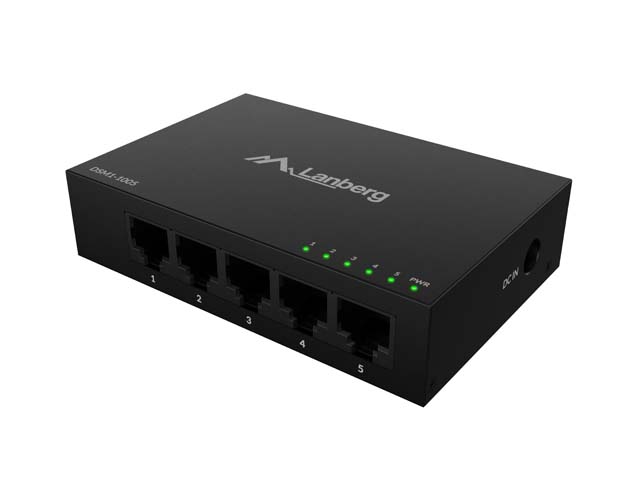
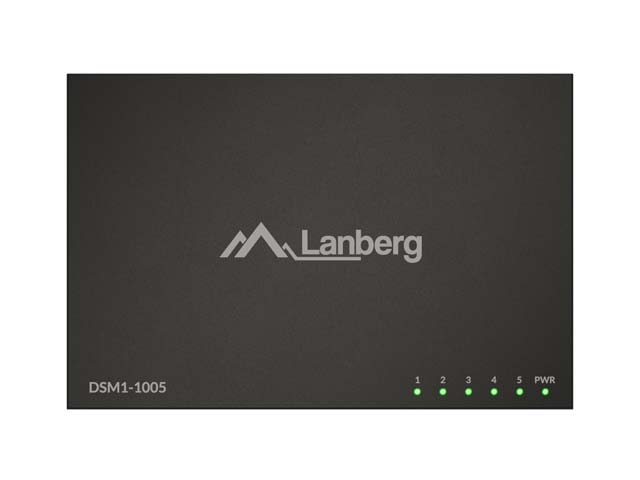
Network switch with five ports and indicator lights for connection status.

Gigabit and bandwidth - when LAN fluidity matters

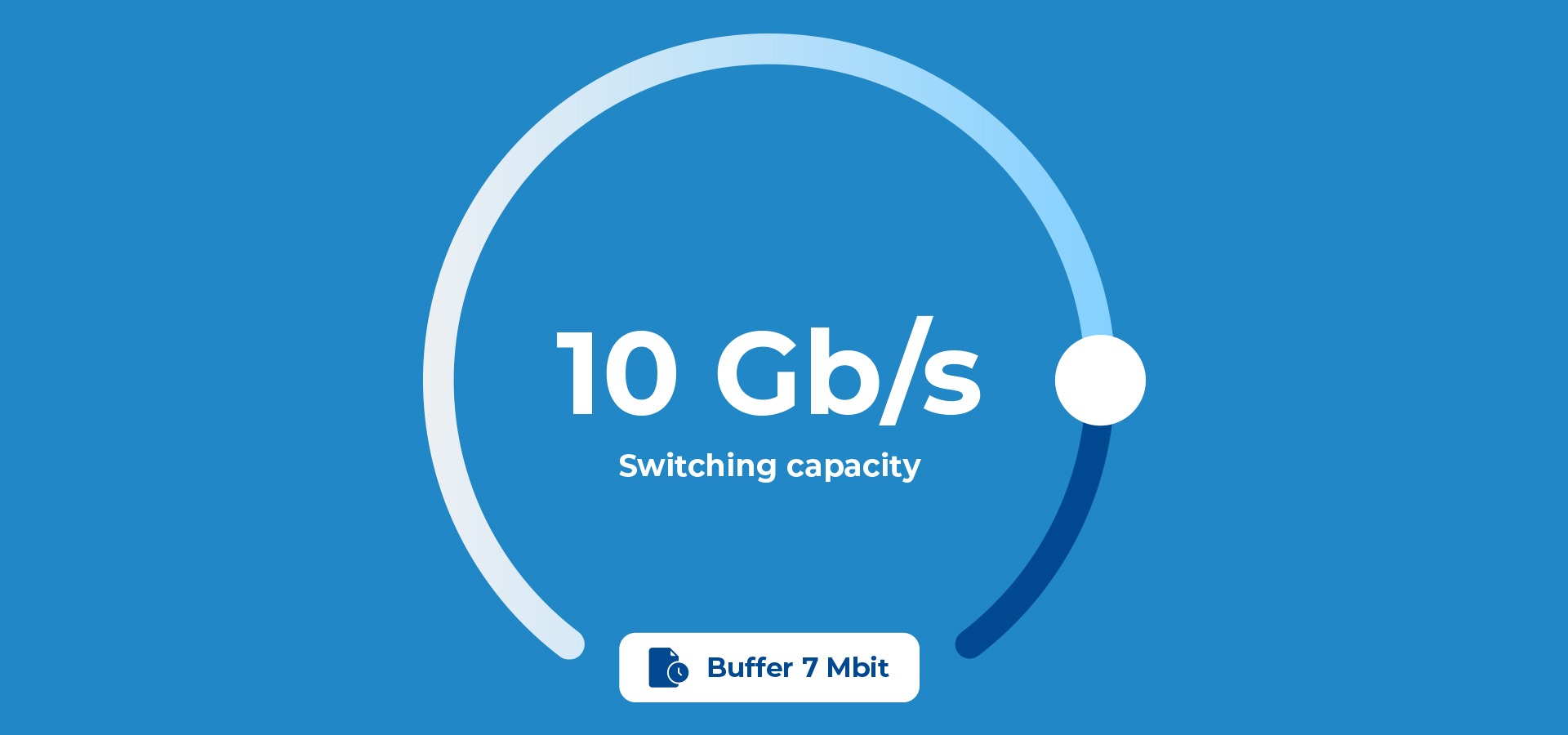
On the DSM1-1005, the maximum link speed is 1 Gbps per port (1000 mbps), and the entire device offers 10 Gbps switching capacity and a 7 Mbit buffer. In practice: the LAN is ready for typical home and office loads, and the switch does not become a bottleneck with several active devices and many simultaneous transmissions.

It is also worth appreciating the 2K MAC address table - the switch "learns" devices (MAC auto-learning), which improves the forwarding of frames and stabilizes the operation of the network in everyday scenarios. These are solutions you will appreciate especially when you connect equipment with different traffic characteristics (NAS, TV, PC, DVR) to the ports.

MDI/MDI-X and connection negotiation

.

The DSM1-1005 automatically matches the link to the cabling (MDI/MDI-X), so it works for both straight or crossed cable - no separate uplink ports and no guesswork. In addition, the link establishes itself quickly thanks to auto-negotiation and support for network functions on the switch side: in practice, you get 5x 1 gbps along with auto-negotiation of the connection, and configuration remains "zero-one" on your side: you plug into the right port and it works.

Flow control, which means fewer problems with congestion

.

Built-in Flow Control allows you to manage traffic so as to reduce the risk of link congestion - controlling the flow of data thus avoiding port congestion when one of the receiving devices temporarily fails to keep up. This is a practical function of data flow control, especially for larger transfers or in networks where several ports are sometimes loaded simultaneously.

Circular gauge displaying high switching capacity with a blue background and a pointer.

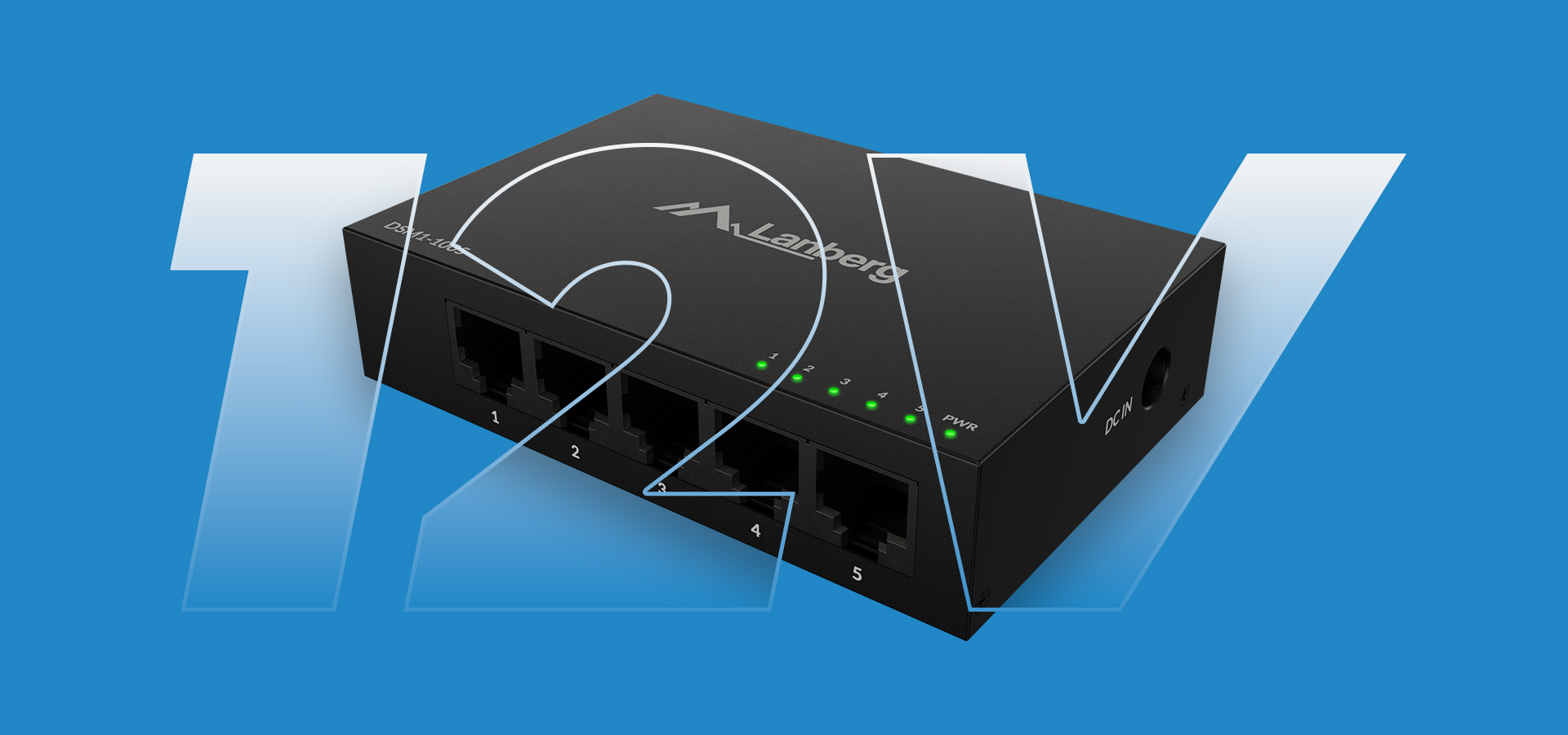
What does a 12V power supply change from
the gigabit ethernet desktop 5V models?

It's common to see queries like 5V desktop ethernet or 5V gigabit desktop ethernet - because many earlier models were powered by 5V current. The DSM1-1005 enters the segment as a 12v unmanagable gigabit ethernet desktop switch, and there is a practical reason for this: 12V is a popular standard in many installations and technical environments.

In practice, 12v standard is present in many places, like security and alarm installations and in legacy CCTV solutions. This makes it easier to maintain a "single standard" power supply around several devices. Arguments such as increased stability of operation and better current efficiency of the device by using a higher voltage are also often cited - especially in environments where power is shared by several system components.

Switch with five network ports and indicator lights on a blue background.

Metal housing - stability, durability and better cooling

What immediately sets the DSM1-1005 apart is its housing made of steel - a real plus in everyday use. A metal switch is more resistant to accidental knocks, "wandering" on the desk or working in more technical environments (back office, teletechnical cabinet, service office). In practice, the steel housing also means more pleasant stability of the setting - nothing bends and the whole thing gives the impression of "equipment for years".

In addition, steel helps dissipate heat, and the passive cooling solution means that the device can cool itself silently - no fan, no buzzing, and no sucking up of dust. In practice, this means: quieter, cleaner and more stable. This is important when the desktop switch is running 24/7 and has constantly active ports.

Mounting and setup

.

As a desktop, the DSM1-1005 naturally lands on a desk, shelf or in a cabinet. If you're organizing your cabling "the technical way," you can also arrange for it to be mounted under a countertop or in a recessed area (e.g., next to a cable bundle) - the metal chassis stands up well to such settings, and access to ports remains convenient.

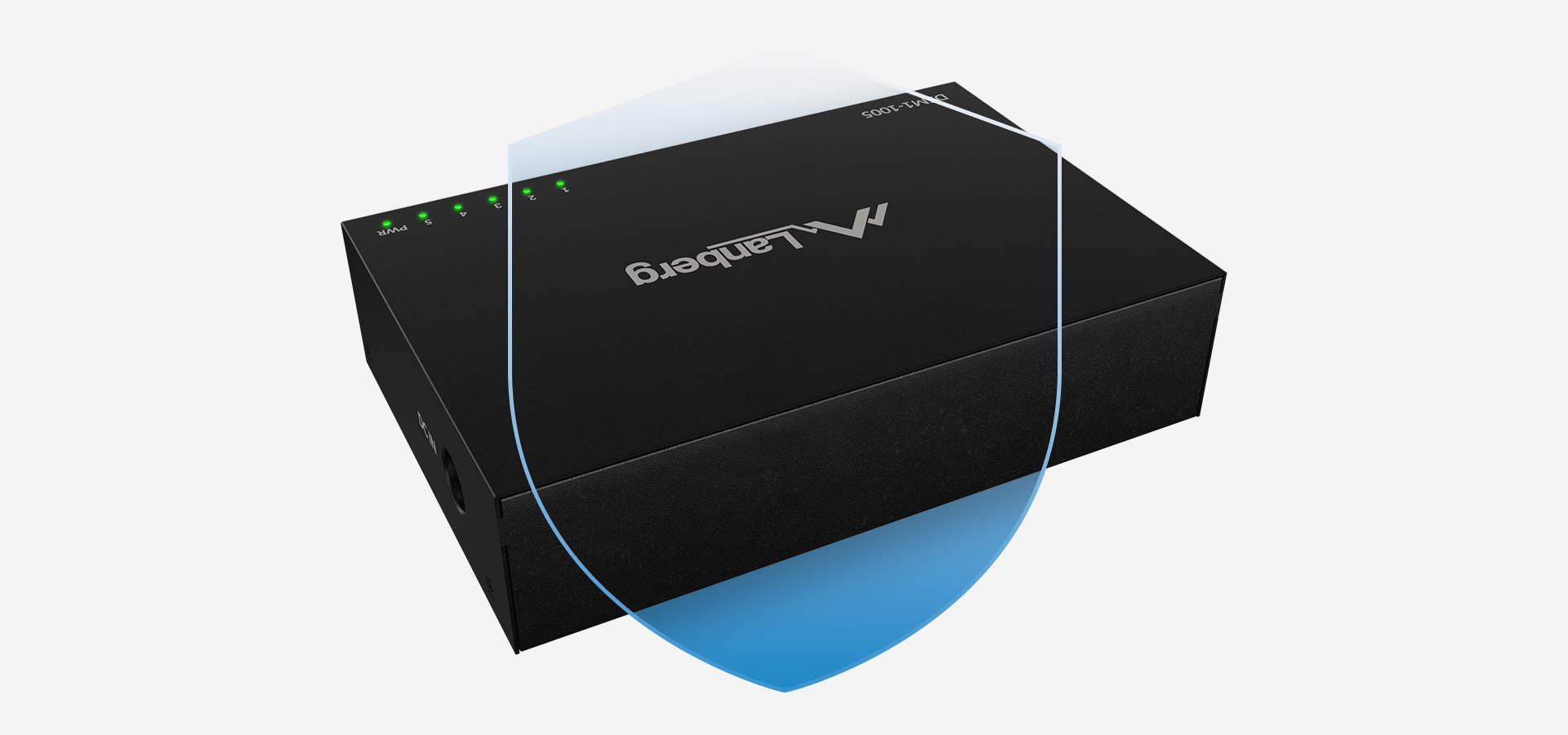
Box with indicator lights and a shield symbol, designed for network security and protection.

Meet Lanberg DSM1-1005 switch - when is it the best choice?

Choose the DSM1-1005 if:

  • you need 5 gigabit ports in a small, aesthetically pleasing desktop format (that is, 5 ports always at hand),
  • you want to "plug and forget" - an unmanaged solution without configuration, a typical unmanagable switch for home and office networking,
  • you care about silence and operating culture (passive cooling, no fan),
  • you value durability and resilience - a metal switch and steel housing make a difference,
  • you are looking for a switch for home, office, back office or small infrastructure.

This device is a solid foundation for a wired LAN: fast ports, automation, stability and a design that stands up well to daily use. If your network is growing - this switch is a small piece that makes a big difference (and a natural choice in the category of unmanaged switches from Lanberg).

Specification

Number of Ethernet ports 5
Ports specification 5x 1000BASE-T
Maxiumum network link speed 1 Gbps
Network Link Type Ethernet
Management Unmanaged
Type of casing Desktop
PoE support No
Buffer 7 Mbit
Bandwith 10 Gbps
MAC address table 2K
Cooling Passive
Power Requirements 100~240V AC 0.3A, 12V DC 1A
Plug & Play Yes
Work signal LED
Wired standards IEEE 802.3ab 1000Base-T
Functions Automatic MDI / MDI-X, Flow control, MAC auto-learning
Material Steel
Software No
Length 100 mm
Width 65 mm
Height 24 mm
Weight 0.14 kg
Environment temperature 0 - 50 °C
Environment humidity 10 - 90 %
Wireless LANBERG NC-1200-WI network card featuring USB 3.0, AC1200 dual-band support, and two internal antennas

Number of Ethernet ports
5
Ports specification
5x 1000BASE-T
Maxiumum network link speed
1 Gbps
Network Link Type
Ethernet
Management
Unmanaged
Type of casing
Desktop
PoE support
No
Buffer
7 Mbit
Bandwith
10 Gbps
MAC address table
2K
Cooling
Passive
Power Requirements
100~240V AC 0.3A, 12V DC 1A
Plug & Play
Yes
Work signal
LED
Wired standards
IEEE 802.3ab 1000Base-T
Functions
Automatic MDI / MDI-X, Flow control, MAC auto-learning
Material
Steel
Software
No
Length
100 mm
Width
65 mm
Height
24 mm
Weight
0.14 kg
Environment temperature
0 - 50 °C
Environment humidity
10 - 90 %

Download files

Quick Guide (multilingual)
Product card EN
Product card PL
Declaration of conformity (multilingual)
Subscribe to our mailing list to stay up to date
Logotypes of the European Funds for a Modern Economy, the Republic of Poland, and the European Union with information about EU co-funding.
4 comparison product products to compare products to compare
Compare Clear
We adapt to you
This site uses cookies
We use cookies for the proper operation of the site, to personalize content, to offer social features and to analyze store traffic. Please see our privacy policy for details. Do you agree to the use of cookies?